


In order to better secure your account, it is advisable to set up two-factor authentication on your Instagram account. Two-factor authentication allows you to protect your account every time you log in on a phone or computer that Instagram does not recognise. The application will then send you a login code via text message or invite you to log in using a security application. This option offers you additional protection in the event that your password is stolen and can prevent serious consequences such as’identity theft.
How do I set up two-factor authentication?
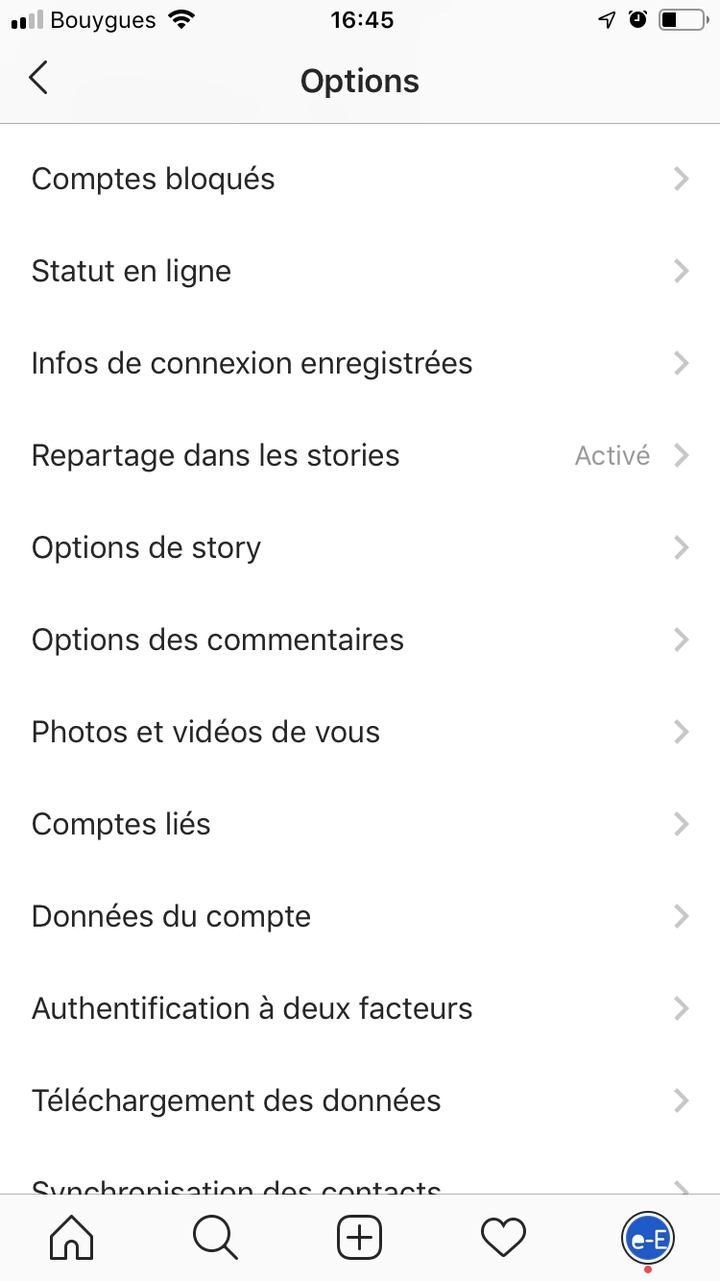
To enable two-factor authentication, go to your account settings, then privacy and security. Finally, click on Two-factor authentication. To set up this option, you will need to enter a special login code or confirm your login attempt each time a user tries to access Instagram from a device you do not usually log in from.
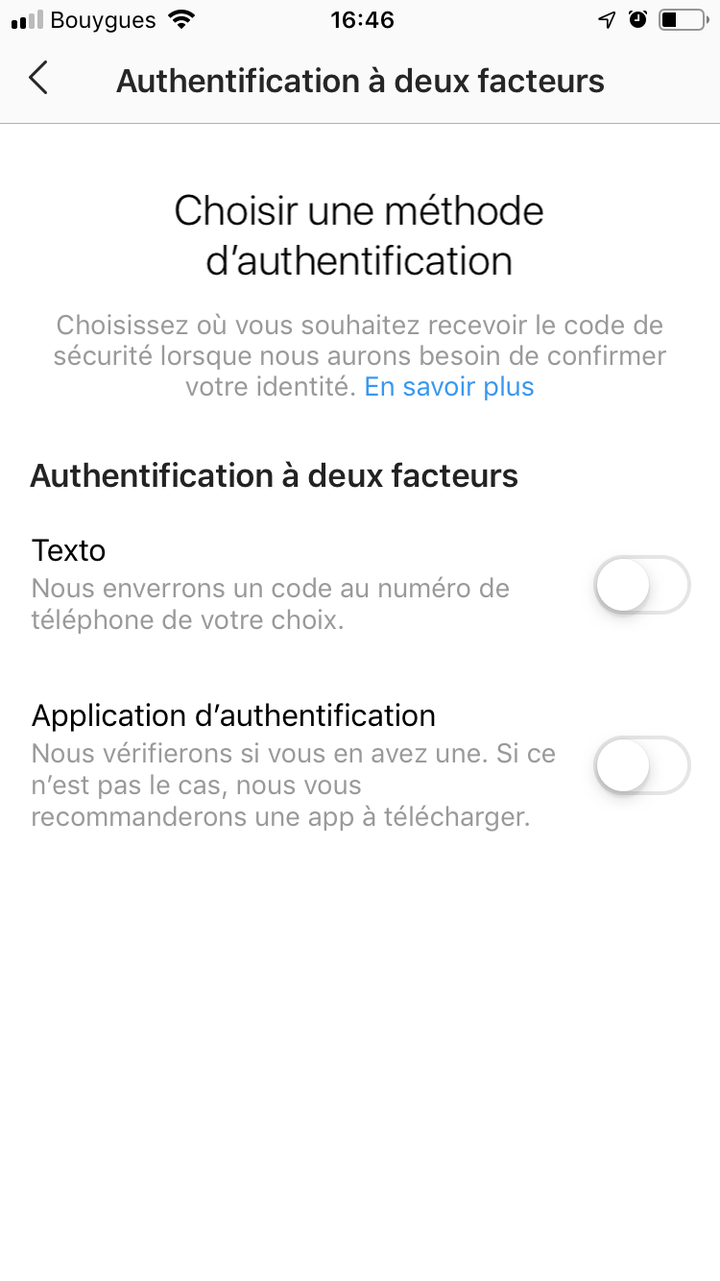

There are several two-factor authentication methods you can use with your Instagram account. To start two-factor authentication, choose:
– receive codes via text message on your mobile phone; ;
– obtain login codes from a third-party authentication application (such as Duo Mobile or Google Authenticator).
You must set up at least one of these methods to be able to use two-factor authentication.
If you or your child encounter an internet safety issue or identity theft and you do not know how to respond, contact our advisers on 3018, via the chat feature at the bottom of our website.
